Free AI Brochure Maker: Convert Prompt to Brochure using AI
Create & Design your own Brochure with AI Brochure Generator
Get StartedAI Brochure Engine: From Idea to Reality
Generate brochures that capture the right visual mood. Pixazo's AI handles composition, color, and typography so you can focus on your message.
Built for designers, marketers, small business owners, and creators who need professional brochure designs without design software.
Create Your Brochure FreeBrochure AI: Technical Breakdown
Background Variation
Generate brochures with different background treatments. Solid, gradient, textured, or pattern backgrounds all available for brochure style.
Typography Matching
Typefaces are selected to match brochure aesthetic expectations. The AI pairs fonts that reinforce your brochure's visual identity.
Color Palette Intelligence
Colors are chosen with brochure style awareness. The AI builds palettes that fit brochure design conventions rather than selecting arbitrarily.
Text Placement Options
Describe where you want text elements positioned in your brochure. The AI follows compositional direction about headline placement and body copy layout.
Color Temperature Control
Specify warm, cool, or neutral color direction for your brochure. The AI builds the full palette around your temperature preference.
Layered Style Application
Combine brochure style with other design parameters in a single prompt. The AI interprets complex requests and applies multiple style constraints simultaneously.
Everything in Brochure AI: What Each Does
AI Generation
Convert text prompts into polished brochure designs with contextual understanding
Style Transfer
Apply different visual styles to your brochure while maintaining layout integrity
Color Palettes
AI-suggested color combinations that work for brochure design conventions
Brochures Across Fields: Contexts and Scenarios
Informational Brochures
Create brochures for tri-fold and bi-fold brochures. Designs that organize complex information into scannable, attractive panels.
Product Catalogs and Lookbooks
Generate brochures for catalog covers and interior spreads. Layouts that showcase products with consistent visual standards.
Conference and Workshop Booklets
Generate brochures for event programs, workshop guides, and seminar handouts. Professional materials that attendees keep and reference.
Real Estate Property Sheets
Create brochures for property listings, open house flyers, and agent marketing materials. Clean layouts that highlight key property details.
Door-to-Door Campaign Materials
Design brochures for leaflets, pamphlets, and handbills for local outreach. High-impact designs that survive a quick glance at the doorstep.
Effective Brochure Prompts That Work
Copy any prompt below and paste it into Pixazo to generate your design instantly.
Portrait-orientation brochure, vertical composition, headline at natural reading entry point, supporting information flows downward logicallyFull-bleed brochure, background treatment extends to edges, foreground elements positioned for compositional balance, strong central hierarchyBrochure design, clean layout, strong typography hierarchy, appropriate color palette for brochure aesthetic, high contrast between headline and backgroundBrochure style brochure, bold headline placement, supporting text at appropriate scale, color palette consistent with brochure design conventionsBrochure with strong visual hierarchy, largest element reads clearly, supporting elements organized by importance, clean background treatmentFrom Prompt to Brochure: Step by Step
Watch: Creating Brochure designs step by step
Brochure Design Guidance: A Quality Guide
Use a consistent visual hierarchy
Structure your brochure so the viewer's eye follows a clear path from headline to supporting details to call-to-action.
Test with real content
Never finalize a brochure with placeholder text. Real copy often has different lengths and line breaks that affect the design.
Keep the message focused
A strong brochure communicates one primary idea clearly. Supporting details should reinforce, not compete with, the main message.
Use grids and alignment
Structured layouts in your brochure create a sense of order and professionalism that unstructured designs cannot match.
Rely solely on AI output
AI-generated brochure designs are a starting point. Human review catches issues with context, tone, and accuracy that AI can miss.
Skip proofreading
Typos and grammatical errors on a brochure undermine credibility instantly. Always have someone else review the final text.
Forget the call to action
A brochure without a clear next step for the viewer is a missed opportunity. Always include direction on what to do next.
Overcrowd the layout
Filling every pixel of your brochure with content makes it harder to read and reduces the impact of every individual element.
Style Approaches for Brochures: Worth Exploring
Atmospheric Brochure
Brochure design where mood takes priority. Color and composition work together to create a specific feeling.
Classic Brochure
Traditional brochure design principles applied to modern brochure format. Clean composition, conventional hierarchy, time-tested visual decisions.
Contemporary Brochure
Current brochure design sensibility with updated proportions, modern typefaces, and contemporary color relationships.
Minimalist Brochure
Stripped-back brochure approach. Fewer elements, more negative space, typography carries more visual weight.
Brochure Generation: Current Boundaries
Known limitations and trade-offs of AI-generated brochure design. Being specific about what AI brochure generation can and cannot do helps you plan your workflow and set accurate expectations.
Brochure Design Community: Community Creations
Real creators sharing their brochure designs made with Pixazo AI.
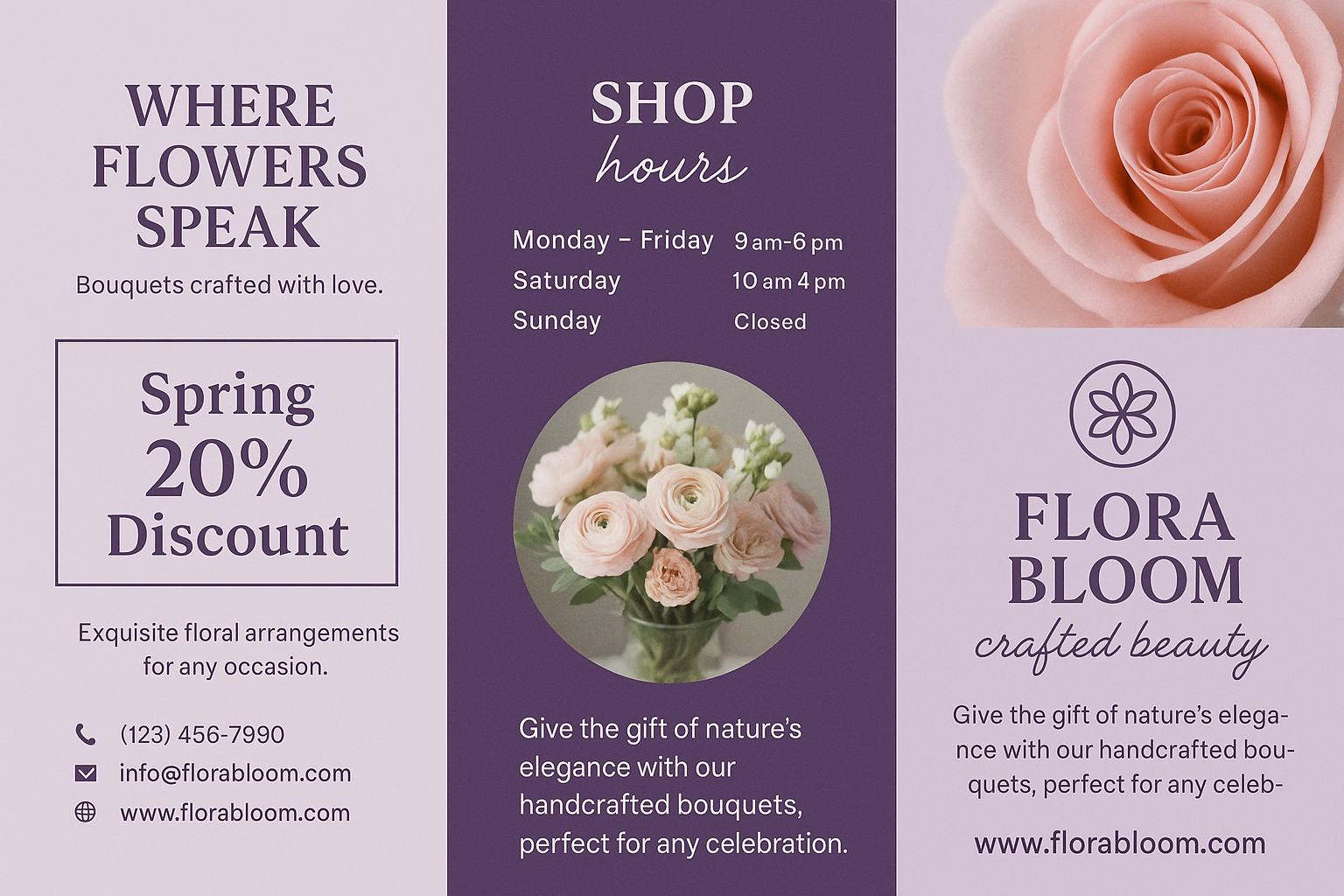
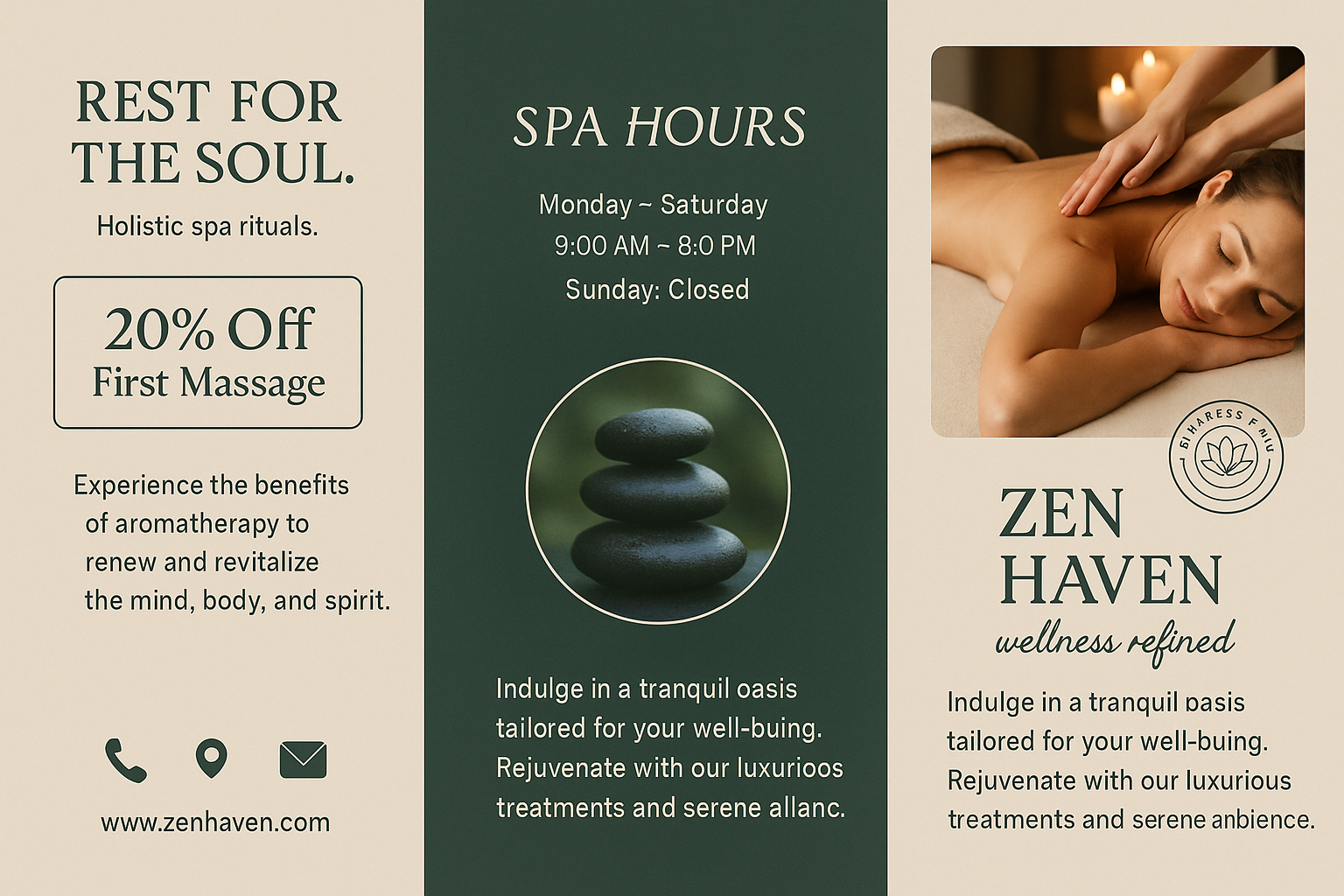
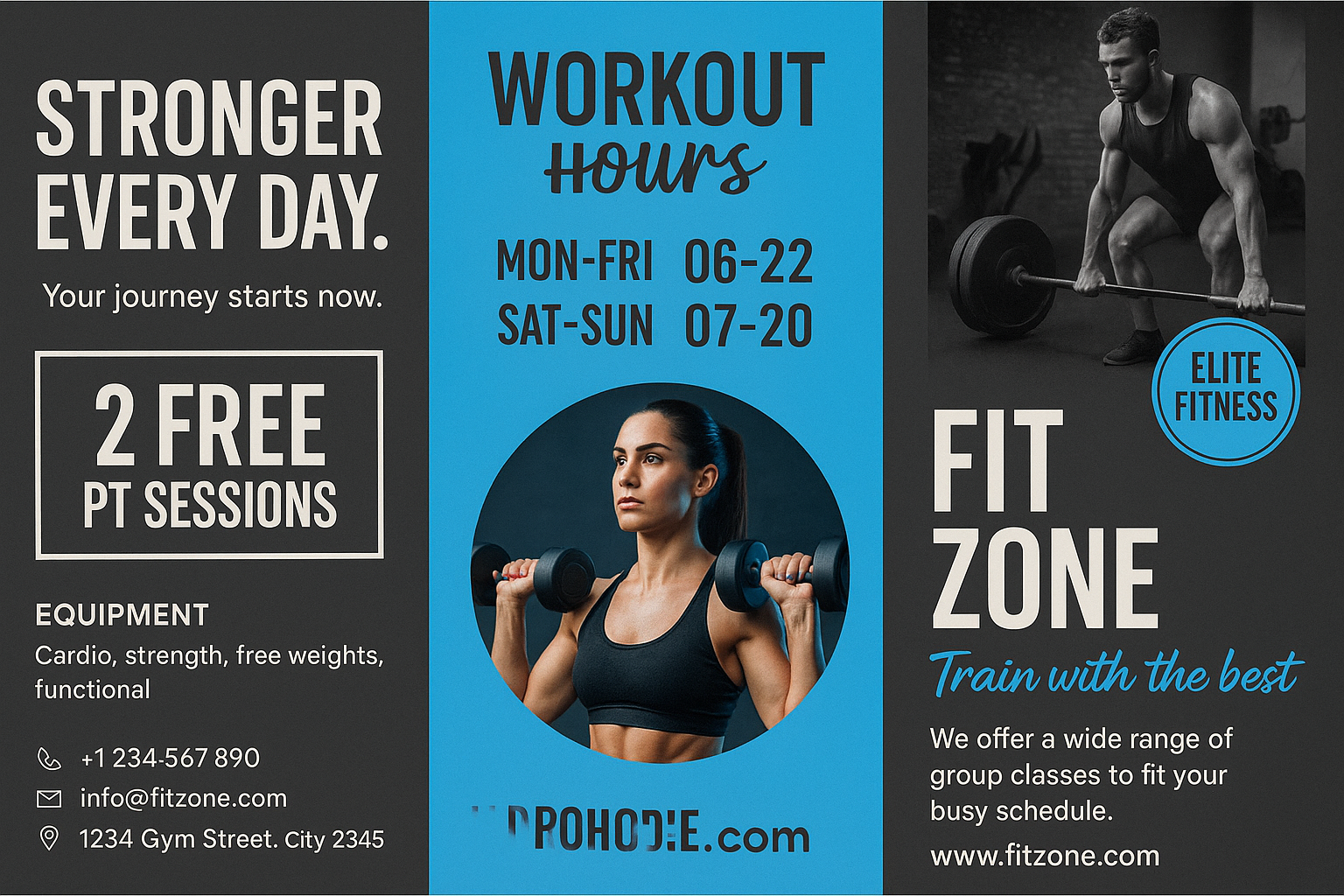
Share your work: @pixazo #PixazoBrochure
Brochure Export Guide: Export Options Explained
TIFF
High-fidelity format for brochure files destined for professional printing, supporting CMYK color and lossless compression.
Print-ready format for brochure files that preserves fonts, colors, and layout across different devices and print services.
SVG
Scalable format for brochure designs that need to render crisply at any resolution, commonly used for web and responsive layouts.
WEBP
Modern web format offering smaller file sizes than PNG or JPG for brochure images without significant quality loss.
Brochure AI: What You Should Know
Pixazo generates brochures in RGB color space. For professional offset printing that requires CMYK, convert the downloaded file using Adobe Photoshop, Illustrator, or a free tool like GIMP. The AI selects colors that translate well to print when you mention print use in your prompt.
Brand kits let you save your logo, fonts, and color palette so every brochure you generate stays on brand. Once configured, the AI applies your brand parameters automatically alongside brochure style conventions.
Pixazo offers a free tier that lets you generate brochures with standard resolution output. Paid plans unlock higher resolution, priority generation, and additional export formats. You can try brochure generation without entering payment details.
Generated designs that miss the mark usually need more specific prompts. Add details about the visual hierarchy you want, the feeling the brochure should create, or specific elements to include or avoid. More context in the prompt produces more targeted output.
Launch Your Brochure Idea to Life
Describe your brochure concept and get a polished design ready to download in seconds.
Start Designing NowPart of AI Image Generator

