Greetings Card : Create Free Greetings Cards in Minutes with AI
Create Custom Greetings Cards Quickly with Pixazo Best AI Greetings Card Maker. Try for Free!
Get StartedAI Greeting Card Studio: Start Creating Now
Design professional greeting cards in minutes with Pixazo's AI design engine. Built for creators who want polished results without the production time.
Create Your Greeting Card FreeGreeting Card AI Specs: Performance Metrics
The Logic of Greeting Card Design: The Underlying Framework
Visual Thinking Behind Greeting Card Creation
The gap between a professional greeting card and a mediocre one usually comes down to design decisions made early in the process: palette selection, type hierarchy, and compositional structure.
These choices determine whether the final output reads as greeting or just looks generic.
Pixazo's AI makes these foundational decisions based on your prompt.
Specify a greeting card and the system selects design parameters that match greeting visual expectations, giving you a solid starting point rather than a blank-slate template.
Exporting Your Greeting Card: Output Formats Compared
SVG
Scalable format for greeting card designs that need to render crisply at any resolution, commonly used for web and responsive layouts.
TIFF
High-fidelity format for greeting card files destined for professional printing, supporting CMYK color and lossless compression.
PNG
Lossless image format ideal for greeting card designs with transparency, sharp text, and web display at predictable file sizes.
JPG
Compressed image format suited for greeting card designs with photographic elements where smaller file size matters more than pixel-perfect edges.
Print-ready format for greeting card files that preserves fonts, colors, and layout across different devices and print services.
Greeting Cards in Practice: Use Case Roundup
Thank-You and Appreciation Notes
Generate greeting cards expressing gratitude to hosts, teachers, mentors, and colleagues. Designs that feel genuine and considered.
Wedding and Engagement Invitations
Design greeting cards for save-the-dates, formal invitations, and RSVP cards. Elegant designs that set the tone for the celebration.
Birthday and Celebration Cards
Create greeting cards for birthday wishes, congratulations, and milestone celebrations. Warm, personal designs that feel thoughtful rather than generic.
Baby Announcements and Shower Invites
Generate greeting cards for birth announcements, gender reveals, and baby shower invitations. Charming designs that capture the occasion.
What Powers Greeting Card Design: Tools That Matter
Subcategory Awareness
The AI distinguishes between design subcategories. A greeting card request produces greeting-appropriate output, not a generic design with greeting text added.
Background Variation
Generate greeting cards with different background treatments. Solid, gradient, textured, or pattern backgrounds all available for greeting style.
Style-Accurate Generation
The AI interprets greeting design conventions and applies them to your card, producing output that looks correctly styled rather than generically templated.
Text Placement Options
Describe where you want text elements positioned in your greeting card. The AI follows compositional direction about headline placement and body copy layout.
Instant Iterations
Generate multiple greeting card variations from a single prompt. Compare options and refine until the design matches your vision.
Layered Style Application
Combine greeting style with other design parameters in a single prompt. The AI interprets complex requests and applies multiple style constraints simultaneously.
Greeting Card AI Results: Quantified Results
Full commercial usage rights for all generated greeting card
Full commercial usage rights for all generated greeting cards
Languages supported for text rendering in greeting card desi
Languages supported for text rendering in greeting card designs
Generate greeting card designs at no cost with the free plan
Generate greeting card designs at no cost with the free plan
The Path to Your Greeting Card: The Simple Process
Paint the Picture in Words
Describe what you want your greeting card to look like. Include the mood, color palette, typography preference, and content hierarchy. Pixazo reads all of this and uses it to generate an appropriate design.
Review the Output
Pixazo generates your greeting card in seconds. Review the design and adjust your prompt to refine specific elements: change the color palette, shift the layout weight, or add visual elements you want included.
Edit the Draft
Refine the greeting card by updating your description with precise changes. Add constraints you didn't include initially or remove elements that aren't working. The AI responds to specific direction.
Pull the Final Output
Export your greeting card in the format you need. PNG for web and social, PDF for print production, JPG for email and lightweight sharing. The file is yours to use commercially without restrictions.
Greeting Card Specifications
Watch: Creating Greeting Card designs step by step
Greeting Card Expert Advice: From Experienced Designers
Start with a Clear Brief
Before generating any greeting card, write down the core message, target audience, and intended use. A focused brief produces better results than iterating from a vague idea.
Test at Actual Size
Always preview your greeting card at the dimensions it will be displayed. Design details that look fine at 100% can disappear or crowd at real-world scale.
Use High Contrast for Readability
Whether your greeting card is displayed on screen or in print, strong contrast between text and background ensures the message gets through at any size.
Limit Your Color Palette
Stick to 2-3 primary colors in your greeting card design. Too many colors compete for attention and weaken the visual hierarchy.
Visual Quality in Greeting Cards: From Weak to Strong
White Space as Luxury
The most expensive-looking greeting card designs have the most unused space. Crowded layouts signal low quality. Let each element breathe.
Scale and Proportion
Element sizing in greeting card design communicates importance. The largest element gets the most attention. Scale differences between elements should be intentional and clear.
Purposeful Negative Space
Empty space in greeting card design is not wasted space. Generous margins and breathing room around elements signal quality and make the design easier to read.
Showcasing Greeting Cards: Creator Highlights
Real creators sharing their greeting designs made with Pixazo AI.
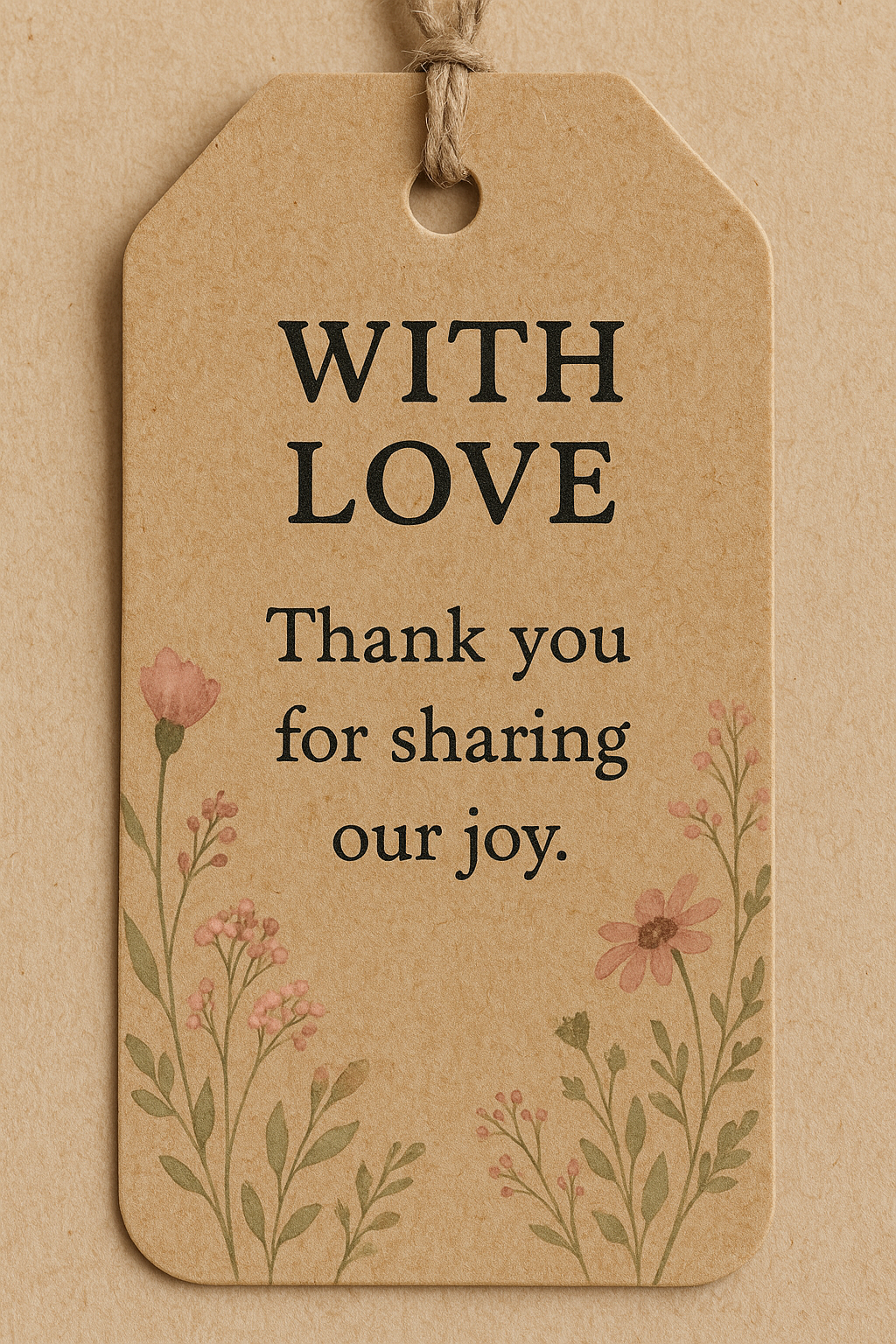

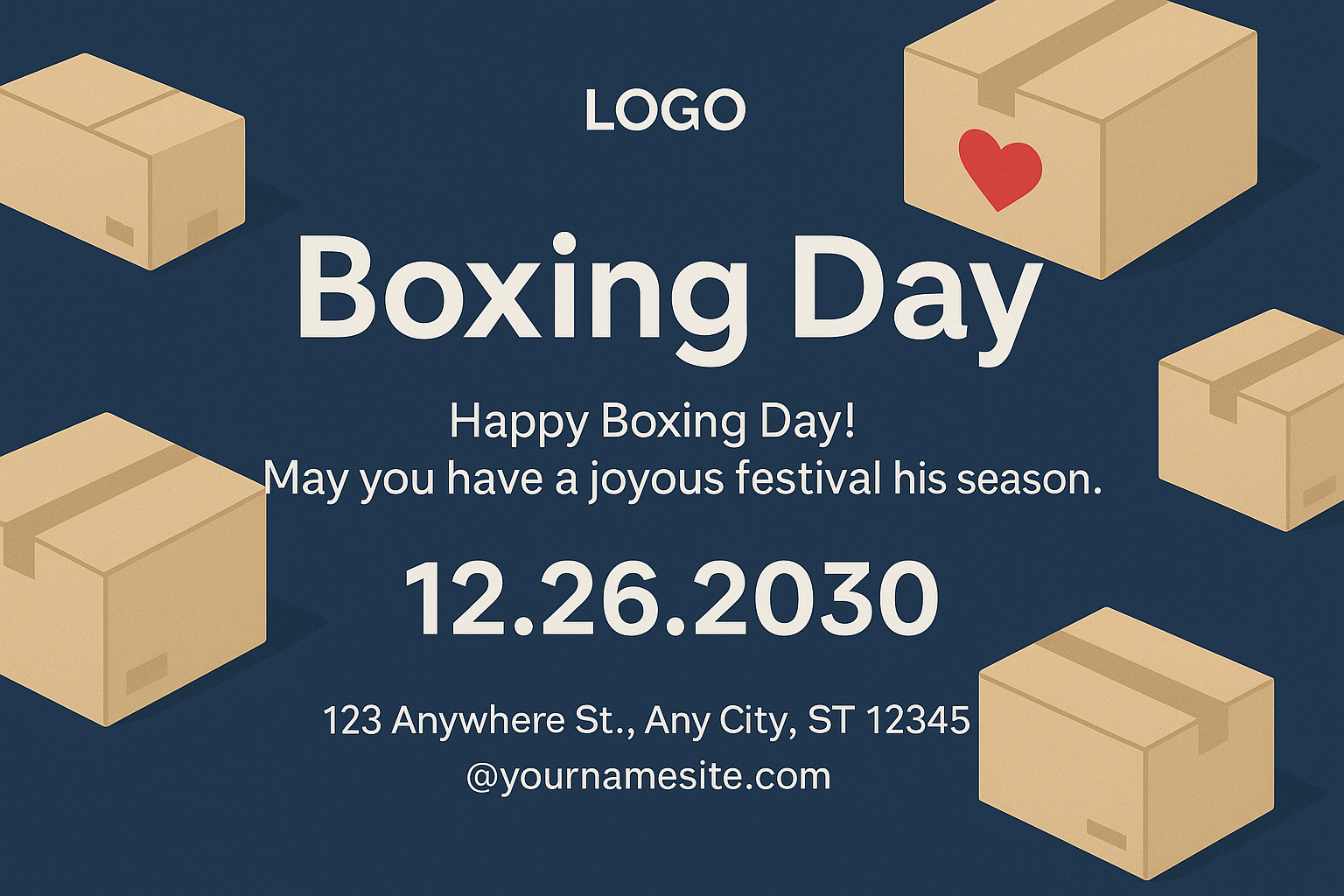
Share your work: @pixazo #PixazoGreeting
Greeting Card Generation: What to Expect
Known limitations and trade-offs of AI-generated greeting design. AI greeting card generation produces strong results within its design domain. These notes describe where human judgment and manual work remain necessary.
AI Greeting Card Generation: A Quick FAQ
Pixazo generates greeting cards in RGB color space. For professional offset printing that requires CMYK, convert the downloaded file using Adobe Photoshop, Illustrator, or a free tool like GIMP. The AI selects colors that translate well to print when you mention print use in your prompt.
Adjust your prompt to change any element of the design. If a generated greeting card is close but not quite right, describe what you want changed and regenerate. The AI responds to specific direction about individual elements like color, layout, or typographic weight.
Pixazo generates complete greeting card designs from text prompts. Custom image uploads for compositing are on the product roadmap. Currently, the AI creates all visual elements based on your description rather than incorporating external assets.
Longer, more detailed prompts generally produce more accurate results for greeting card design. Include all the relevant information: style direction, color preferences, content to display, intended use, and any specific design elements you want. There is no strict character limit.
Pixazo generates high-resolution files suitable for both print and digital use. Specify your intended output format in your prompt. Print greeting cards benefit from high-DPI settings, while web and social media use works well with standard resolution output.
Proven Greeting Card Design Prompts
Copy any prompt below and paste it into Pixazo to generate your design instantly.
Monochromatic greeting card, single-hue palette with value variation for contrast, typographic hierarchy creates visual interest without color complexityGreeting aesthetic card, palette drawn from greeting design tradition, layout proportions consistent with greeting conventions, purposeful use of each elementProfessional greeting card, minimalist greeting approach, negative space used intentionally, readable at multiple viewing distances, print-ready compositionEditorial-style greeting card, text-dominant design, typographic treatment carries visual weight, layout proportions inspired by print publication designGreeting style card, bold headline placement, supporting text at appropriate scale, color palette consistent with greeting design conventionsLaunch Your Greeting Card with AI
Create your first greeting card with a single prompt. Professional results, zero production time.
Try It NowPart of Card Maker

