AI Invitation Maker : Create Free Invitations in Minutes
Create Custom Invitations Quickly with Pixazo Best AI Invitation Maker. Try for Free!
Get StartedAI Invitation Workshop: From Idea to Reality
Make invitations with real visual personality. The AI selects design elements that fit invitation aesthetics, not generic templates.
Built for designers, marketers, small business owners, and creators who need professional invitation designs without design software.
Create Your Invitation FreeDelivering Your Invitation: Format Guide
TIFF
High-fidelity format for invitation files destined for professional printing, supporting CMYK color and lossless compression.
Print-ready format for invitation files that preserves fonts, colors, and layout across different devices and print services.
WEBP
Modern web format offering smaller file sizes than PNG or JPG for invitation images without significant quality loss.
PNG
Lossless image format ideal for invitation designs with transparency, sharp text, and web display at predictable file sizes.
Design Intelligence for Invitations: A Technical Perspective
The Invitation Design Framework
The gap between a professional invitation and a mediocre one usually comes down to design decisions made early in the process: palette selection, type hierarchy, and compositional structure.
These choices determine whether the final output reads as invitation or just looks generic.
Pixazo's AI makes these foundational decisions based on your prompt.
Specify a invitation and the system selects design parameters that match invitation visual expectations, giving you a solid starting point rather than a blank-slate template.
Creating Your Invitation: From Start to Finish
Watch: Creating Invitation designs step by step
Invitation Design Insights: Practical Guidance
Prioritize Hierarchy
Every invitation needs a clear reading order. Make sure the most important information is the largest and most prominent element in the layout.
Check Alignment Carefully
Misaligned elements are one of the most common signs of amateur invitation design. Use grid lines and snap-to features to keep things precise.
Keep Typography Simple
Use no more than two typefaces per invitation. One for headlines, one for body text. Consistency in typography signals professionalism.
Iterate with Variations
Generate 3-5 versions of your invitation before committing. Comparing variations side by side often reveals the strongest direction.
Use High Contrast for Readability
Whether your invitation is displayed on screen or in print, strong contrast between text and background ensures the message gets through at any size.
Invitation Maker Capabilities: Tools That Matter
Color Temperature Control
Specify warm, cool, or neutral color direction for your invitation. The AI builds the full palette around your temperature preference.
Negative Space Handling
The AI manages whitespace in invitation designs according to invitation aesthetic conventions, not generic poster defaults.
Background Variation
Generate invitations with different background treatments. Solid, gradient, textured, or pattern backgrounds all available for invitation style.
Consistency Across Variants
Generate multiple invitations for a project and maintain visual consistency across the set. Specify your core design parameters and vary secondary elements.
Commercial Use Rights
Designs generated with Pixazo are yours to use commercially. No additional licensing required for invitation projects.
Getting Started with Invitations: Common Questions Answered
Pixazo generates invitations in RGB color space. For professional offset printing that requires CMYK, convert the downloaded file using Adobe Photoshop, Illustrator, or a free tool like GIMP. The AI selects colors that translate well to print when you mention print use in your prompt.
You can request high-contrast or color-blind-friendly palettes in your prompt. Specify 'accessible color palette' or 'deuteranopia-safe colors' and the AI will select invitation-appropriate colors that maintain sufficient contrast for users with color vision deficiencies.
Designs created with Pixazo are available for commercial use. You can use your invitations for client projects, product sales, advertising, and other commercial applications without additional licensing fees.
Pixazo generates complete invitation designs from text prompts. Custom image uploads for compositing are on the product roadmap. Currently, the AI creates all visual elements based on your description rather than incorporating external assets.
Invitations Across Fields: Across Industries
Baby Announcements and Shower Invites
Generate invitations for birth announcements, gender reveals, and baby shower invitations. Charming designs that capture the occasion.
Retirement and Farewell Messages
Create invitations marking career milestones and departures. Respectful designs that celebrate contributions and wish well.
Thank-You and Appreciation Notes
Generate invitations expressing gratitude to hosts, teachers, mentors, and colleagues. Designs that feel genuine and considered.
Graduation Announcements
Create invitations celebrating academic achievements. Designs that honor the graduate's accomplishment with appropriate formality and pride.
Wedding and Engagement Invitations
Design invitations for save-the-dates, formal invitations, and RSVP cards. Elegant designs that set the tone for the celebration.
Standout Invitation Features: The Competitive Edge
Prompt-to-Design Intelligence
Describe your invitation in plain language and the AI interprets visual intent, layout preferences, and stylistic cues to generate a design that matches your brief.
Iterative Refinement
Start with an initial generation and refine your invitation through follow-up prompts that adjust specific elements while preserving what already works.
The Range of Invitation Styles: Options and Variations
High-Contrast Invitation
Bold invitation visual treatment with strong tonal contrast. Elements read clearly at any viewing distance.
Minimalist Invitation
Stripped-back invitation approach. Fewer elements, more negative space, typography carries more visual weight.
Editorial Invitation
Text-dominant invitation layout inspired by print publication design. Typographic variety creates visual rhythm.
Textured Invitation
Invitation design with added surface depth. Background treatments add visual interest without disrupting legibility.
Invitation Software Options: Tools Compared
Desygner
Multi-format design tool with PDF editing and brand management
Piktochart
Infographic and presentation maker for data-driven visuals
Pixazo
AI-powered invitation generator with prompt-based design and professional output quality
Crello
Template-based design tool with animation and video support
Snappa
Quick graphic creator focused on social media and marketing visuals
Try These Invitation Prompt Examples
Copy any prompt below and paste it into Pixazo to generate your design instantly.
High-impact invitation, immediate visual read at thumbnail size, clear headline dominance, supporting information structured logicallyTwo-color invitation design, high contrast between primary and secondary color, clean separation between graphic and text zonesInvitation aesthetic invitation, palette drawn from invitation design tradition, layout proportions consistent with invitation conventions, purposeful use of each elementInvitation design, clean layout, strong typography hierarchy, appropriate color palette for invitation aesthetic, high contrast between headline and backgroundGeometric invitation, structured grid system, angular composition, colors in blocks rather than gradients, modern clean finishShowcasing Invitations: A Design Gallery
Real creators sharing their invitation designs made with Pixazo AI.
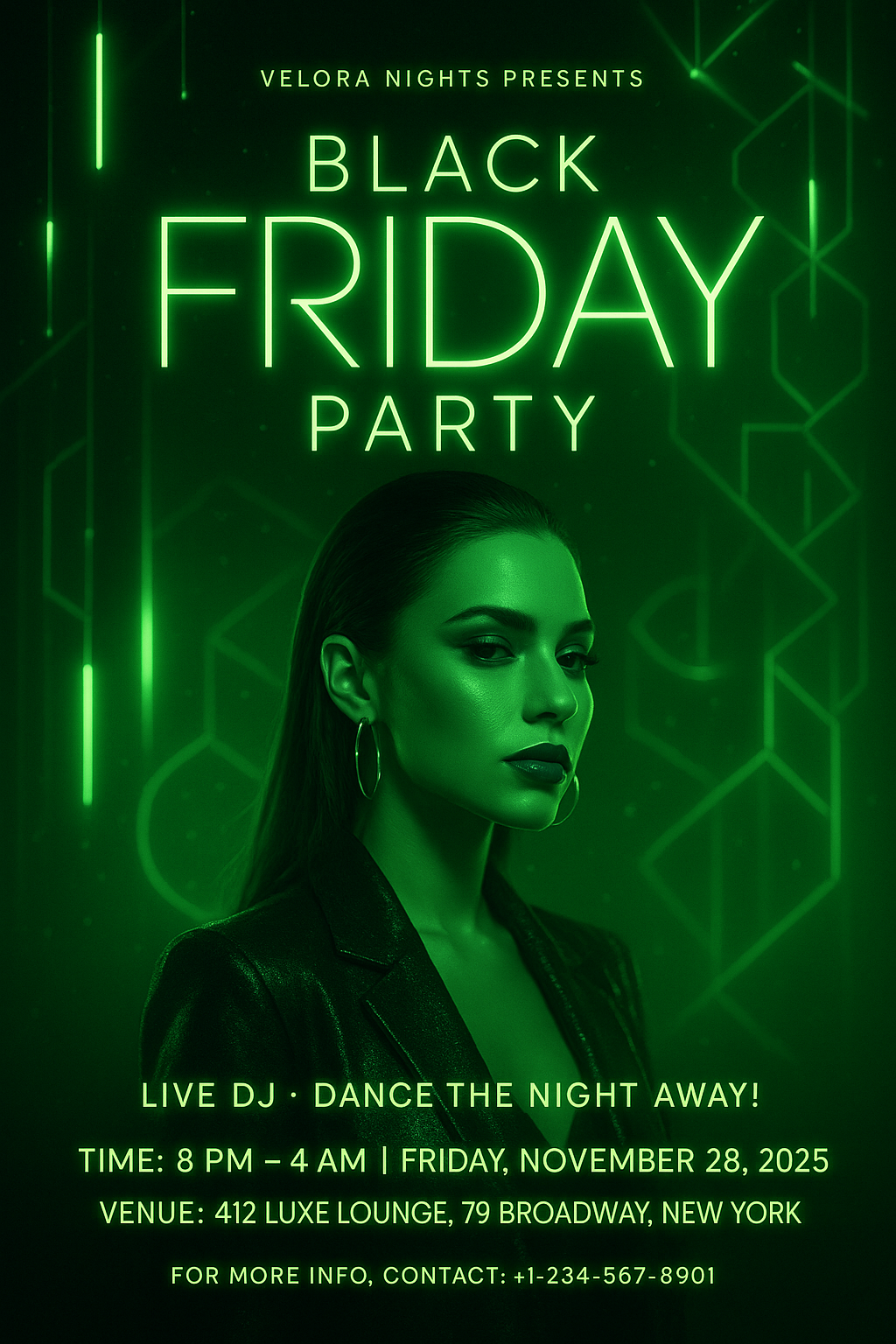
Portrait invitation for social sharing, vertical 4:5 ratio, headline in upper third, supporting content below centerline
Geometric invitation design, angular composition, color in blocks, structured grid, no decorative flourishes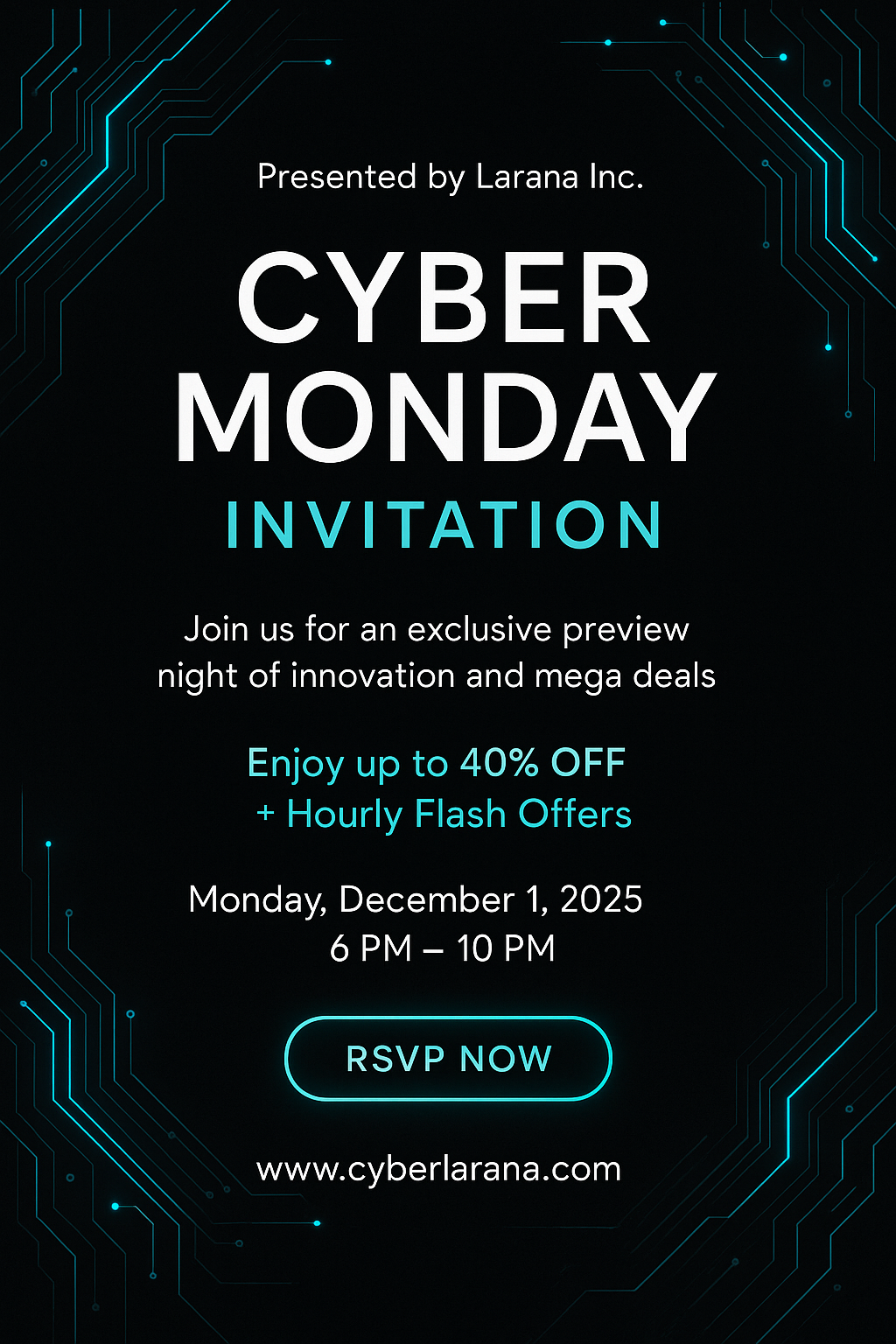
High-contrast invitation, dark background with light text, accent color used for single key element, modern compositionShare your work: @pixazo #PixazoInvitation
Current Invitation Limits: Needs Human Help
Known limitations and trade-offs of AI-generated invitation design. Understanding what the AI handles well and where it falls short helps you structure your invitation design workflow effectively.
Create a Invitation Instantly
Join thousands of creators using Pixazo AI to design professional invitations in minutes.
Try It NowPart of AI Image Generator

