Book Mockup : Create Free Book Mockups in Minutes with AI
Create Custom Book Mockups Quickly with Pixazo Best AI Book Mockup Maker. Try for Free!
Get StartedAI-Powered Book Mockup: Design Without Limits
Make book mockups with real visual personality. The AI selects design elements that fit book aesthetics, not generic templates.
Create Your Book Mockup FreeThe Book Mockup Process: The Simple Process
Put Your Idea in Writing
Write a prompt describing your book mockup. Include style preferences, color direction, the most important text to display, and any specific visual elements you want. The more specific your description, the more targeted the output.
Review the Output
The AI produces a book mockup based on your description. If the first result isn't exactly right, adjust the prompt to address what needs changing. Most designs reach the target within a few iterations.
Wrap It Up
Export your book mockup in the format you need. PNG for web and social, PDF for print production, JPG for email and lightweight sharing. The file is yours to use commercially without restrictions.
Watch: Creating Book Mockup designs step by step
Book Mockup Quality Checklist: Practical Guidelines
Use grids and alignment
Structured layouts in your book mockup create a sense of order and professionalism that unstructured designs cannot match.
Maintain brand alignment
Keep your book mockup design consistent with existing brand colors, fonts, and visual language for a cohesive identity.
Test with real content
Never finalize a book mockup with placeholder text. Real copy often has different lengths and line breaks that affect the design.
Ignore accessibility
Low-contrast text and tiny font sizes in your book mockup exclude a significant portion of your potential audience.
Skip proofreading
Typos and grammatical errors on a book mockup undermine credibility instantly. Always have someone else review the final text.
Rely solely on AI output
AI-generated book mockup designs are a starting point. Human review catches issues with context, tone, and accuracy that AI can miss.
Download Your Book Mockup: Format Guide
WEBP
Modern web format offering smaller file sizes than PNG or JPG for book mockup images without significant quality loss.
PNG
Lossless image format ideal for book mockup designs with transparency, sharp text, and web display at predictable file sizes.
Print-ready format for book mockup files that preserves fonts, colors, and layout across different devices and print services.
SVG
Scalable format for book mockup designs that need to render crisply at any resolution, commonly used for web and responsive layouts.
Book Mockup Aesthetics: Key Design Conventions
The Book Design Approach: How Pixazo Handles It
The gap between a professional book mockup and a mediocre one usually comes down to design decisions made early in the process: palette selection, type hierarchy, and compositional structure.
These choices determine whether the final output reads as book or just looks generic.
Pixazo's AI makes these foundational decisions based on your prompt.
Specify a book mockup and the system selects design parameters that match book visual expectations, giving you a solid starting point rather than a blank-slate template.
Precision Book Mockup Tools: What It Can Do
Consistency Across Variants
Generate multiple book mockups for a project and maintain visual consistency across the set. Specify your core design parameters and vary secondary elements.
Text Placement Options
Describe where you want text elements positioned in your book mockup. The AI follows compositional direction about headline placement and body copy layout.
Print-Ready Output
Generated book mockups are sized and structured for professional printing. Download high-resolution files ready for production.
Prompt Refinement
Adjust your description to refine any aspect of the book mockup design. The AI responds to specific direction about colors, layout, or content.
Layered Style Application
Combine book style with other design parameters in a single prompt. The AI interprets complex requests and applies multiple style constraints simultaneously.
Book Mockup Applications: Where They Fit
Political and Advocacy Campaigns
Create book campaign mockups for candidates, ballot measures, and social causes. Persuasive designs that mobilize and inform.
Small Business Marketing
Produce book marketing mockups without a design agency budget. Get professional results from a text description.
Religious and Spiritual Organizations
Create book mockups for worship services, community outreach, and faith-based events. Respectful designs that reflect the organization's character.
Freelance Design Work
Use Pixazo to generate book mockup concepts for client review. Present multiple directions quickly before committing to detailed execution.
Evaluating Book Mockup Makers: Side by Side
Crello
Template-based design tool with animation and video support
Pixazo
AI-powered book mockup generator with prompt-based design and professional output quality
PicMonkey
Photo editor and design tool with brand kit management
Canva
Drag-and-drop editor with a large template library and collaboration features
Adobe Express
Streamlined creative tool backed by Adobe's design ecosystem
Book Design Styles: Design Directions
Minimalist Book
Stripped-back book approach. Fewer elements, more negative space, typography carries more visual weight.
Textured Book
Book design with added surface depth. Background treatments add visual interest without disrupting legibility.
Editorial Book
Text-dominant book mockup layout inspired by print publication design. Typographic variety creates visual rhythm.
Classic Book
Traditional book design principles applied to modern mockup format. Clean composition, conventional hierarchy, time-tested visual decisions.
Contemporary Book
Current book design sensibility with updated proportions, modern typefaces, and contemporary color relationships.
Real Book Mockups: Community Showcase
Real creators sharing their book designs made with Pixazo AI.
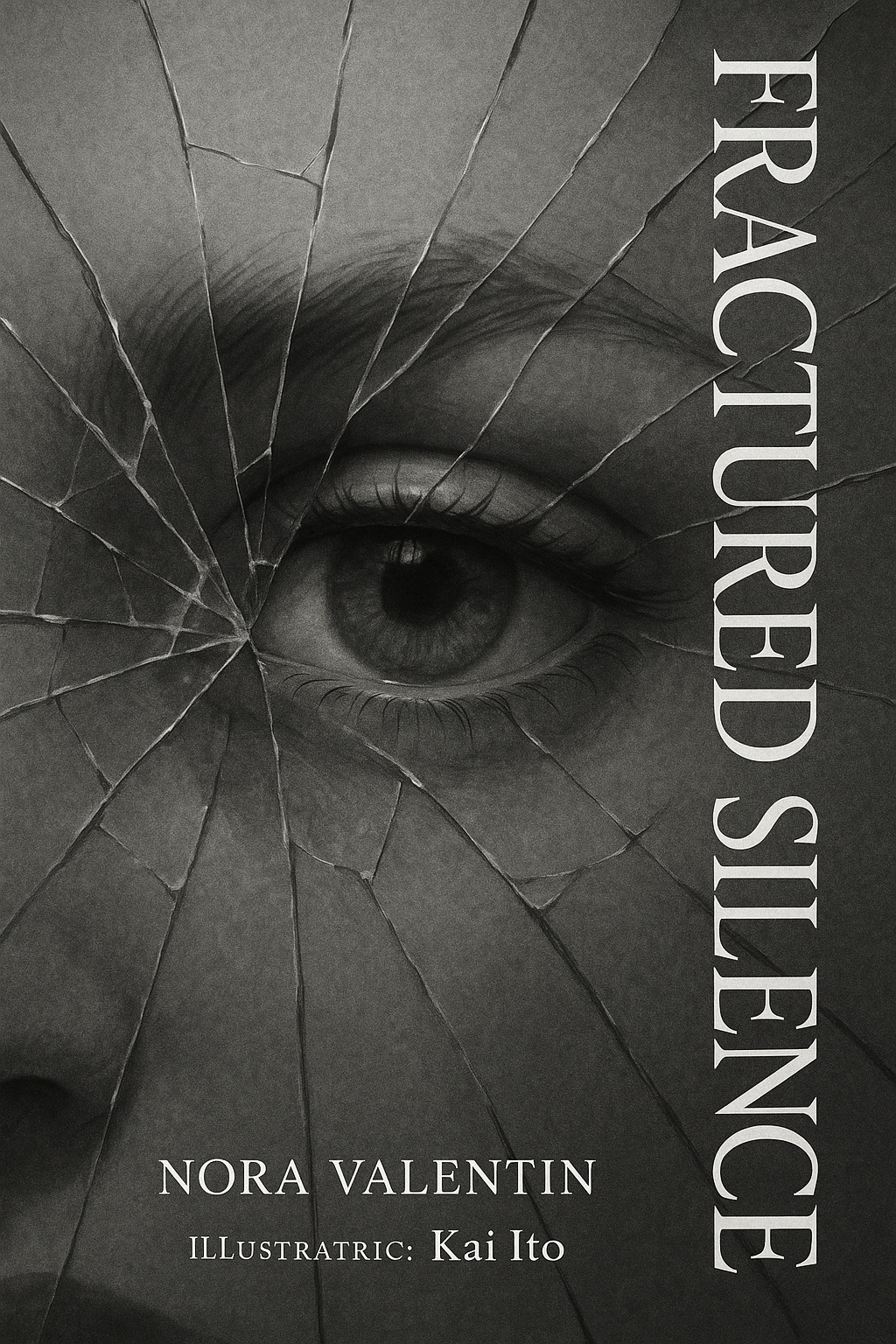
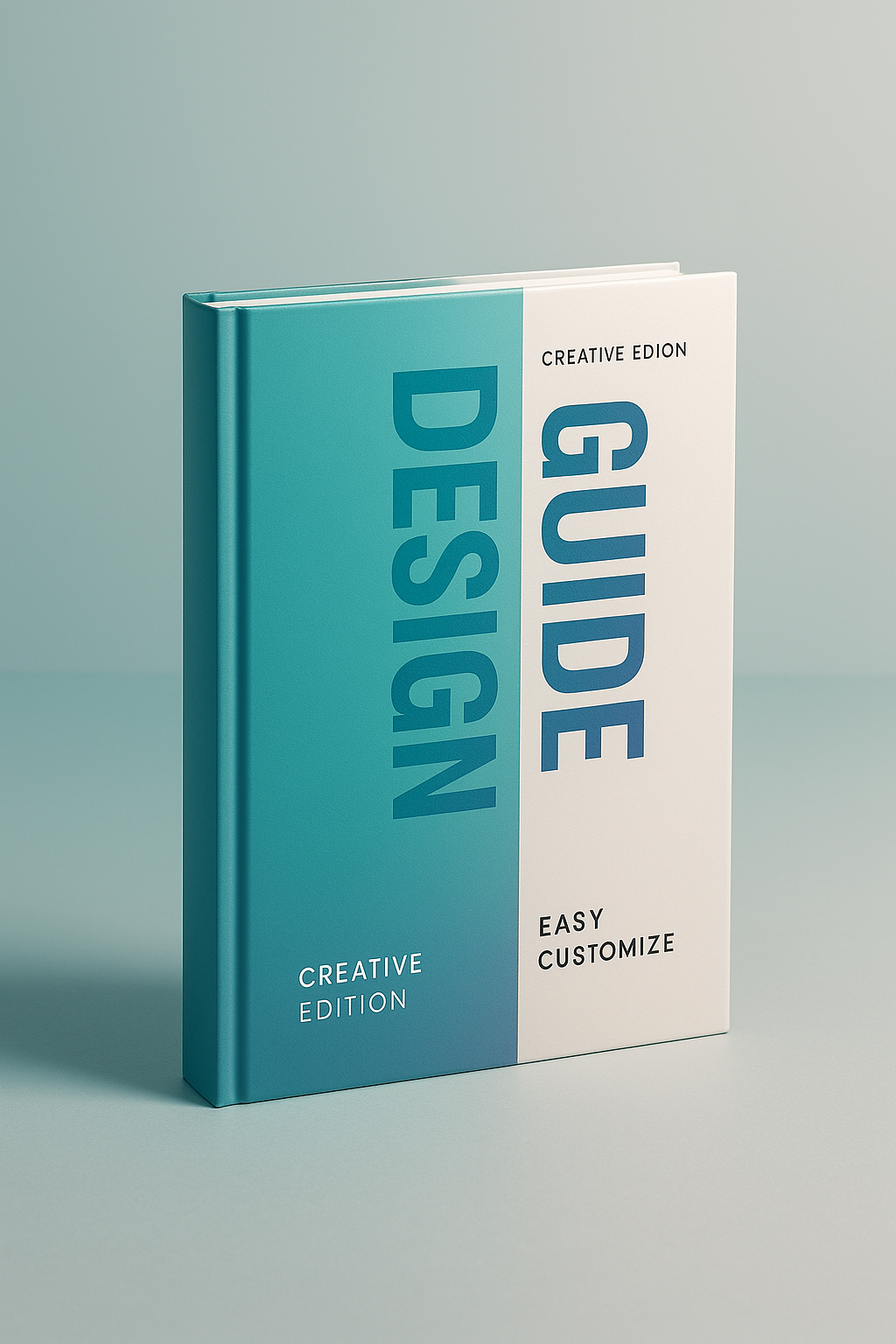
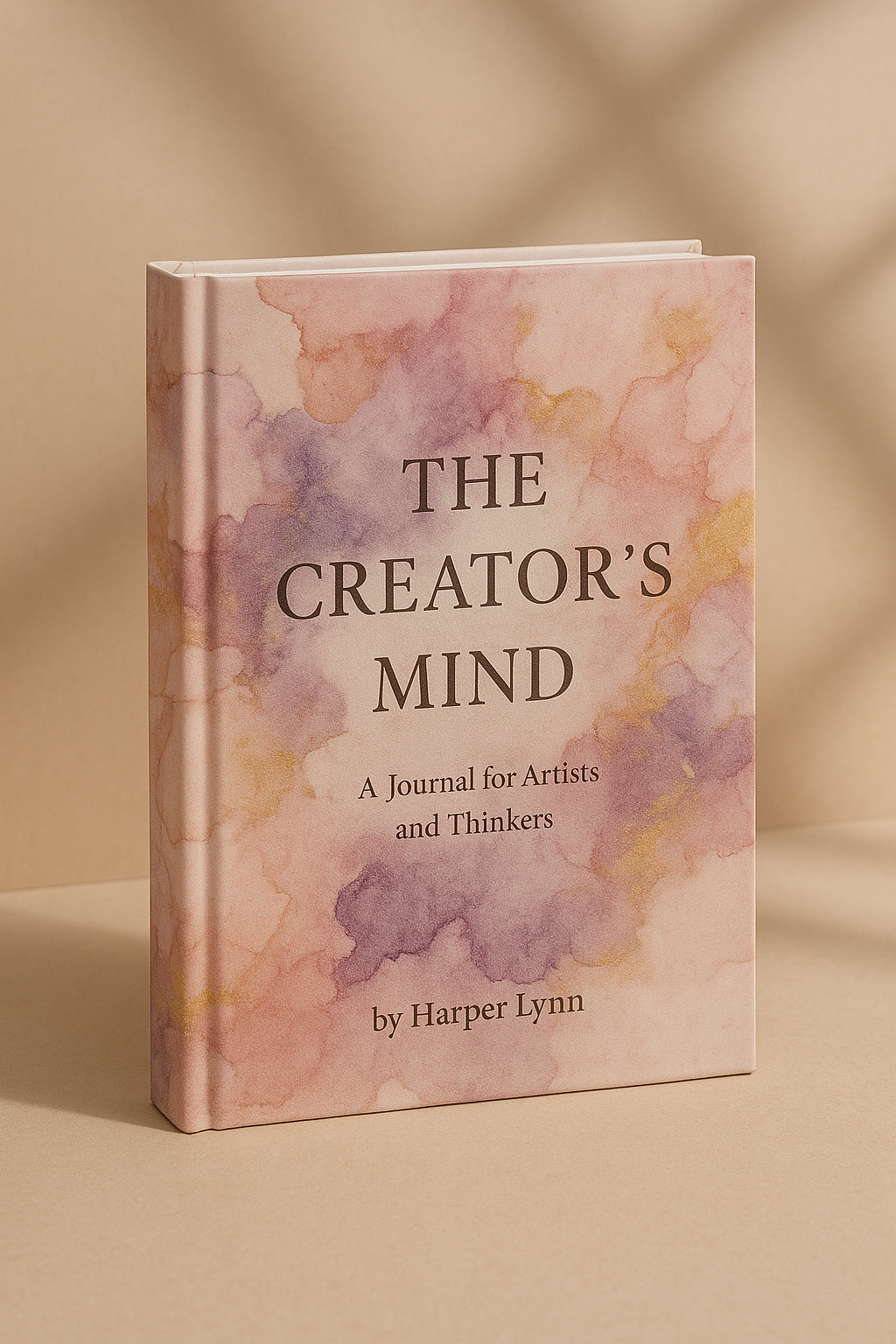
Share your work: @pixazo #PixazoBook
Book Mockup Starter Prompts to Try
Copy any prompt below and paste it into Pixazo to generate your design instantly.
Monochromatic book mockup, single-hue palette with value variation for contrast, typographic hierarchy creates visual interest without color complexityBook mockup with strong visual hierarchy, largest element reads clearly, supporting elements organized by importance, clean background treatmentSeries-compatible book mockup design, visual language that extends to multiple formats, consistent design system across variantsHigh-impact book mockup, immediate visual read at thumbnail size, clear headline dominance, supporting information structured logicallyAtmospheric book mockup, background treatment supports the headline without competing with it, visual weight distributed intentionallyGetting Started with Book Mockups: The Essentials
Pixazo supports PNG, JPEG, and PDF export for book mockups. PNG preserves transparency if your design uses it. JPEG works well for web and social media. PDF is the preferred format for print production of book mockups.
Include the target language in your prompt when generating book mockups with non-English text. The AI selects typographic approaches appropriate for the language and applies book design conventions to the overall layout regardless of language.
Brand kits let you save your logo, fonts, and color palette so every book mockup you generate stays on brand. Once configured, the AI applies your brand parameters automatically alongside book style conventions.
Pixazo generates book mockups in RGB color space. For professional offset printing that requires CMYK, convert the downloaded file using Adobe Photoshop, Illustrator, or a free tool like GIMP. The AI selects colors that translate well to print when you mention print use in your prompt.
Pixazo generates high-resolution files suitable for both print and digital use. Specify your intended output format in your prompt. Print book mockups benefit from high-DPI settings, while web and social media use works well with standard resolution output.
Current Book Mockup Limits: Needs Human Help
Known limitations and trade-offs of AI-generated book design. AI book mockup generation produces strong results within its design domain. These notes describe where human judgment and manual work remain necessary.
Get Your Book Mockup Right Now
Describe your book mockup concept and get a polished design ready to download in seconds.
Start Designing NowPart of Mockup Maker

