Poster Mockup : Create Free Poster Mockups in Minutes with AI
Create Custom Poster Mockups Quickly with Pixazo Best AI Poster Mockup Maker. Try for Free!
Get StartedAI Poster Mockup Tool: Built for Creators
Skip the design software and get your poster mockup made by AI. Clean output, the right proportions, print-ready files.
Create Your Poster Mockup FreeDesign Intelligence for Poster Mockups: A Technical Perspective
The Poster Design Approach: How Pixazo Handles It
The gap between a professional poster mockup and a mediocre one usually comes down to design decisions made early in the process: palette selection, type hierarchy, and compositional structure.
These choices determine whether the final output reads as poster or just looks generic.
Pixazo's AI makes these foundational decisions based on your prompt.
Specify a poster mockup and the system selects design parameters that match poster visual expectations, giving you a solid starting point rather than a blank-slate template.
Poster Mockup Output Options: Export Options Explained
PNG
Lossless image format ideal for poster mockup designs with transparency, sharp text, and web display at predictable file sizes.
JPG
Compressed image format suited for poster mockup designs with photographic elements where smaller file size matters more than pixel-perfect edges.
TIFF
High-fidelity format for poster mockup files destined for professional printing, supporting CMYK color and lossless compression.
WEBP
Modern web format offering smaller file sizes than PNG or JPG for poster mockup images without significant quality loss.
SVG
Scalable format for poster mockup designs that need to render crisply at any resolution, commonly used for web and responsive layouts.
Poster Mockup Creation Tools: Feature Overview
Typography Matching
Typefaces are selected to match poster aesthetic expectations. The AI pairs fonts that reinforce your poster mockup's visual identity.
Background Variation
Generate poster mockups with different background treatments. Solid, gradient, textured, or pattern backgrounds all available for poster style.
Instant Iterations
Generate multiple poster mockup variations from a single prompt. Compare options and refine until the design matches your vision.
Text Placement Options
Describe where you want text elements positioned in your poster mockup. The AI follows compositional direction about headline placement and body copy layout.
Inside the Poster Community: What People Are Making
Real creators sharing their poster designs made with Pixazo AI.

Poster mockup design, clean typographic hierarchy, palette appropriate to poster aesthetic, high contrast headline, balanced composition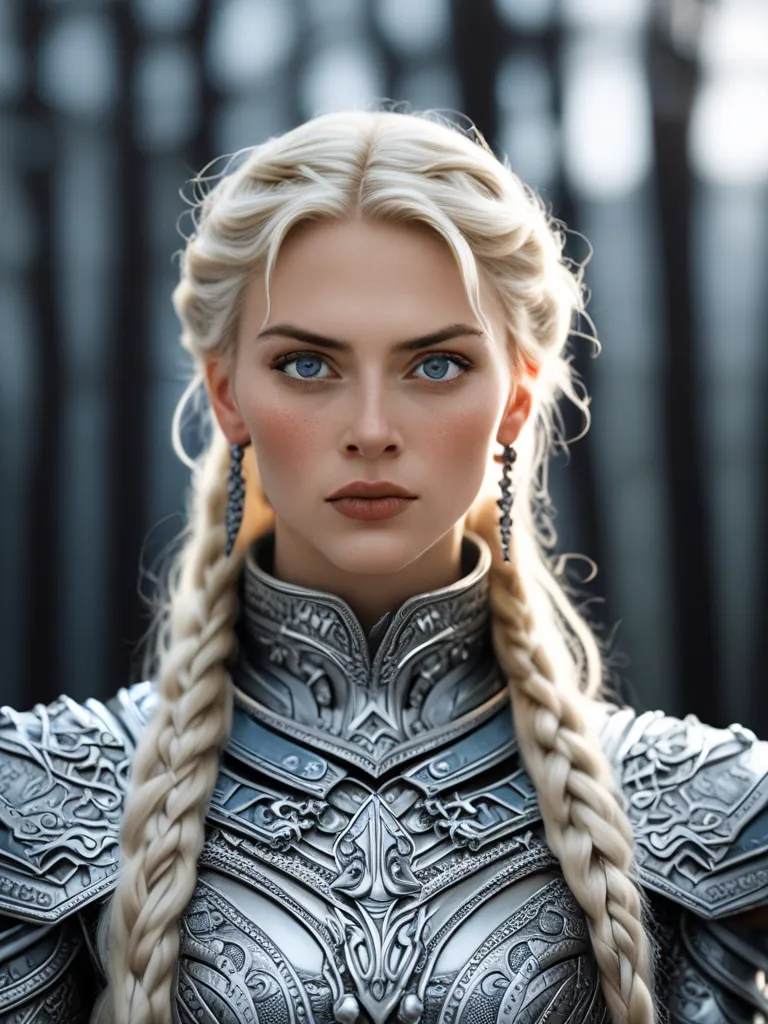
Playful poster mockup for a family audience, rounded typography, bright saturated colors, approachable and energetic tone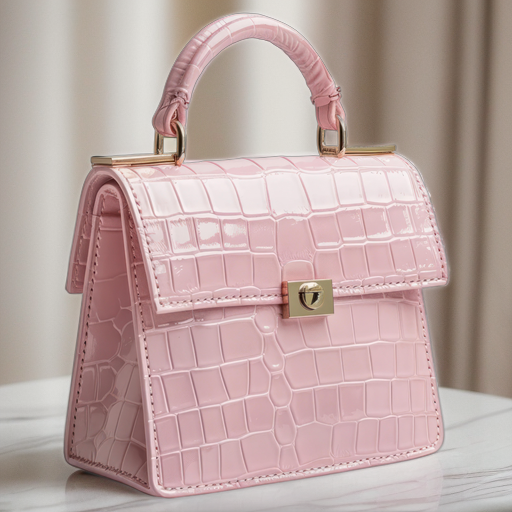
Warm palette poster mockup, ochre and brown tones, serif typography, traditional poster design reference, tactile feelingShare your work: @pixazo #PixazoPoster
Poster Mockup Design Rules: What to Do and What to Avoid
Use grids and alignment
Structured layouts in your poster mockup create a sense of order and professionalism that unstructured designs cannot match.
Test with real content
Never finalize a poster mockup with placeholder text. Real copy often has different lengths and line breaks that affect the design.
Keep the message focused
A strong poster mockup communicates one primary idea clearly. Supporting details should reinforce, not compete with, the main message.
Maintain brand alignment
Keep your poster mockup design consistent with existing brand colors, fonts, and visual language for a cohesive identity.
Skip proofreading
Typos and grammatical errors on a poster mockup undermine credibility instantly. Always have someone else review the final text.
Overcrowd the layout
Filling every pixel of your poster mockup with content makes it harder to read and reduces the impact of every individual element.
Ignore accessibility
Low-contrast text and tiny font sizes in your poster mockup exclude a significant portion of your potential audience.
Rely solely on AI output
AI-generated poster mockup designs are a starting point. Human review catches issues with context, tone, and accuracy that AI can miss.
The Reach of Poster Mockups: In the Real World
TikTok and Reels Cover Frames
Generate poster mockups for short-form video cover images. Vertical designs that represent video content and attract clicks.
Email Newsletter Headers
Design poster mockups for email campaign headers and hero images. Lightweight files that render reliably across email clients.
YouTube Thumbnails and Channel Art
Design poster mockups for video thumbnails and channel banners. Bold, legible designs that stand out in recommendation feeds.
LinkedIn Professional Banners
Generate poster mockups for LinkedIn profile headers and company page banners. Professional designs that reinforce personal or corporate branding.
The Path to Your Poster Mockup: How It Works
Provide the Details
Describe what you want your poster mockup to look like. Include the mood, color palette, typography preference, and content hierarchy. Pixazo reads all of this and uses it to generate an appropriate design.
See the Initial Render
Your poster mockup generates immediately after submission. Evaluate the design against your requirements and refine the prompt to correct any elements that don't match your intent.
Perfect the Design
Refine the poster mockup by updating your description with precise changes. Add constraints you didn't include initially or remove elements that aren't working. The AI responds to specific direction.
Retrieve the Finished File
Get your final poster mockup file in one click. Choose your format, download at full resolution, and use the design immediately. No watermarks, no additional fees, no waiting.
Watch: Creating Poster Mockup designs step by step
Elevating Your Poster Mockup: Tips That Work
Use High Contrast for Readability
Whether your poster mockup is displayed on screen or in print, strong contrast between text and background ensures the message gets through at any size.
Check Alignment Carefully
Misaligned elements are one of the most common signs of amateur poster mockup design. Use grid lines and snap-to features to keep things precise.
Test at Actual Size
Always preview your poster mockup at the dimensions it will be displayed. Design details that look fine at 100% can disappear or crowd at real-world scale.
Get Feedback Early
Share your poster mockup draft with someone outside the project. Fresh eyes catch issues you have become blind to after hours of refinement.
Exploring Poster Mockup Directions: From Classic to Bold
Contemporary Poster
Current poster design sensibility with updated proportions, modern typefaces, and contemporary color relationships.
High-Contrast Poster
Bold poster visual treatment with strong tonal contrast. Elements read clearly at any viewing distance.
Atmospheric Poster
Poster mockup design where mood takes priority. Color and composition work together to create a specific feeling.
Classic Poster
Traditional poster design principles applied to modern mockup format. Clean composition, conventional hierarchy, time-tested visual decisions.
Editorial Poster
Text-dominant poster mockup layout inspired by print publication design. Typographic variety creates visual rhythm.
Poster Mockup Starter Prompt Examples
Copy any prompt below and paste it into Pixazo to generate your design instantly.
Large-format poster mockup design, elements sized for visibility at print scale, no fine detail that would be lost in productionPoster style mockup, bold headline placement, supporting text at appropriate scale, color palette consistent with poster design conventionsMonochromatic poster mockup, single-hue palette with value variation for contrast, typographic hierarchy creates visual interest without color complexityTwo-color poster mockup design, high contrast between primary and secondary color, clean separation between graphic and text zonesPortrait-orientation poster mockup, vertical composition, headline at natural reading entry point, supporting information flows downward logicallyTextured poster mockup, surface treatment adds depth without obscuring legibility, texture consistent with poster aestheticWorking with Poster Mockup AI: Capabilities and Caveats
Known limitations and trade-offs of AI-generated poster design. Every AI design tool has boundaries. Knowing these limits before you start helps you get the most out of poster mockup generation.
Poster Mockup Maker: What People Ask
Generated designs that miss the mark usually need more specific prompts. Add details about the visual hierarchy you want, the feeling the poster mockup should create, or specific elements to include or avoid. More context in the prompt produces more targeted output.
You can specify any aspect ratio in your prompt. Common options include 1:1 for social posts, 4:5 for Instagram, 9:16 for stories, 16:9 for presentations, and standard print sizes like A4 or letter. The AI adapts poster composition to fit your chosen ratio.
Each generation uses your unique prompt text to produce a distinct poster mockup design. Even similar prompts produce noticeably different outputs due to the AI's generative process. No two users receive identical designs.
The AI recognizes poster design as a distinct visual category with its own conventions. Specifying poster style in your prompt triggers appropriate design decisions around color, typography, and composition rather than defaulting to generic poster layout.
Include the target language in your prompt when generating poster mockups with non-English text. The AI selects typographic approaches appropriate for the language and applies poster design conventions to the overall layout regardless of language.
Bring Your Poster Mockup Now
Describe your poster mockup concept and get a polished design ready to download in seconds.
Start Designing NowPart of Mockup Maker

