AI Postcard Maker : Create Free Postcards in Minutes
Create Custom Postcards Quickly with Pixazo Best AI Postcard Maker. Try for Free!
Get StartedAI-Driven Postcard: The Smart Way
Build postcards that stand out. Pixazo combines postcard style awareness with AI generation to produce designs worth using.
Built for designers, marketers, small business owners, and creators who need professional postcard designs without design software.
Postcard Aesthetics: Visual Processing Explained
Why Postcard Design Requires Specific Knowledge
The strongest postcard designs succeed because every element reinforces the style rather than contradicting it.
Typography that fits postcard conventions, colors that carry postcard associations, layouts that breathe in ways consistent with postcard design sensibility.
Pixazo's AI understands these relationships.
Describe your postcard and the system generates designs where all the elements agree.
Postcard Design Steps: Behind the Scenes
Convey Your Needs
Describe what you want your postcard to look like. Include the mood, color palette, typography preference, and content hierarchy. Pixazo reads all of this and uses it to generate an appropriate design.
Examine What Appears
Pixazo generates your postcard in seconds. Review the design and adjust your prompt to refine specific elements: change the color palette, shift the layout weight, or add visual elements you want included.
Commit the Output
Download your completed postcard in the format that fits your use case. High-resolution files for print, web-optimized versions for digital, or PDF for production-ready delivery.
Postcard Specifications
Watch: Creating Postcard designs step by step
Postcard Maker Capabilities: Under the Hood
Layered Style Application
Combine postcard style with other design parameters in a single prompt. The AI interprets complex requests and applies multiple style constraints simultaneously.
Background Variation
Generate postcards with different background treatments. Solid, gradient, textured, or pattern backgrounds all available for postcard style.
Prompt Refinement
Adjust your description to refine any aspect of the postcard design. The AI responds to specific direction about colors, layout, or content.
Consistency Across Variants
Generate multiple postcards for a project and maintain visual consistency across the set. Specify your core design parameters and vary secondary elements.
Compositional Structure
Layout and hierarchy decisions reflect postcard design patterns. The proportions and arrangement match how postcard designs are conventionally structured.
Postcard Design Guidance: What to Do and What to Avoid
Maintain brand alignment
Keep your postcard design consistent with existing brand colors, fonts, and visual language for a cohesive identity.
Use grids and alignment
Structured layouts in your postcard create a sense of order and professionalism that unstructured designs cannot match.
Test with real content
Never finalize a postcard with placeholder text. Real copy often has different lengths and line breaks that affect the design.
Use a consistent visual hierarchy
Structure your postcard so the viewer's eye follows a clear path from headline to supporting details to call-to-action.
Ignore accessibility
Low-contrast text and tiny font sizes in your postcard exclude a significant portion of your potential audience.
Skip proofreading
Typos and grammatical errors on a postcard undermine credibility instantly. Always have someone else review the final text.
Rely solely on AI output
AI-generated postcard designs are a starting point. Human review catches issues with context, tone, and accuracy that AI can miss.
From the Postcard Community: Work in the Wild
Real creators sharing their postcard designs made with Pixazo AI.
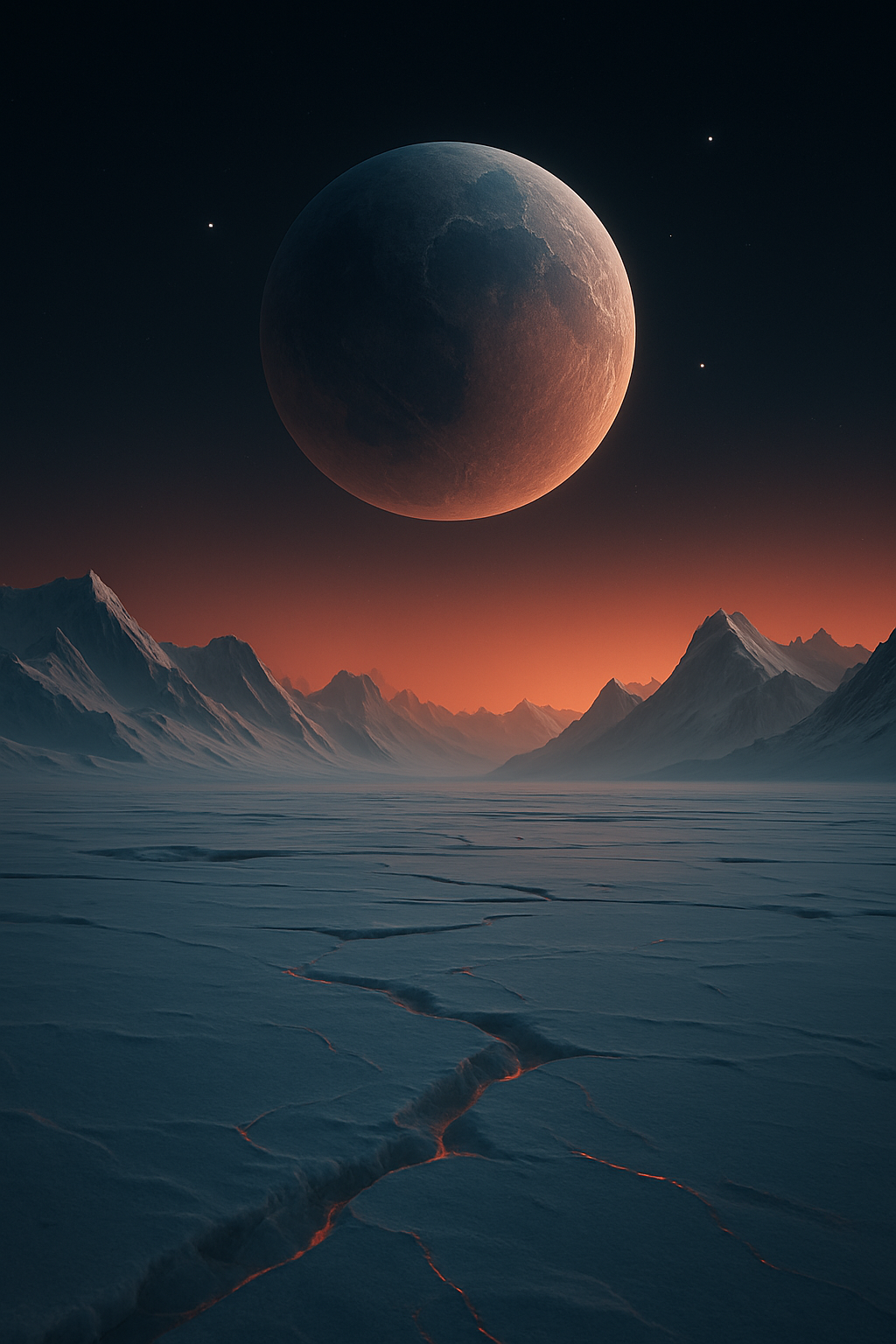
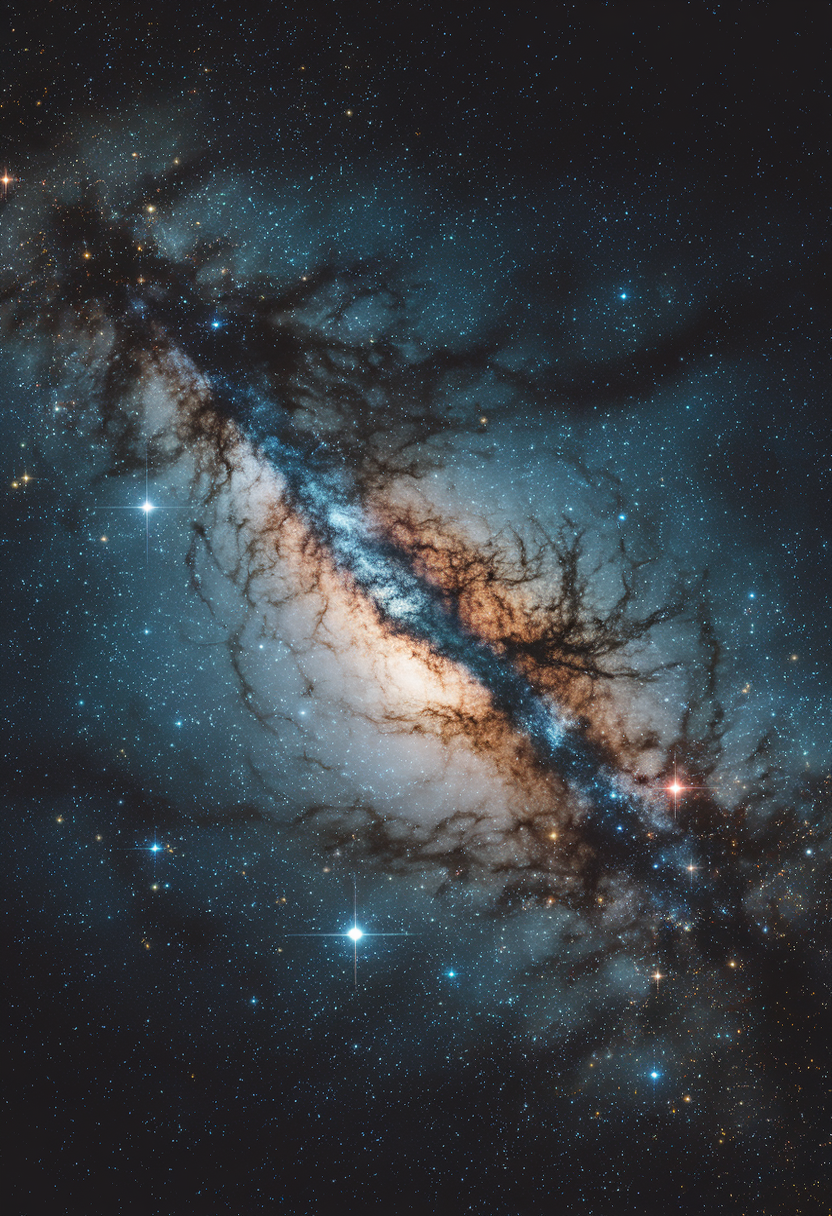
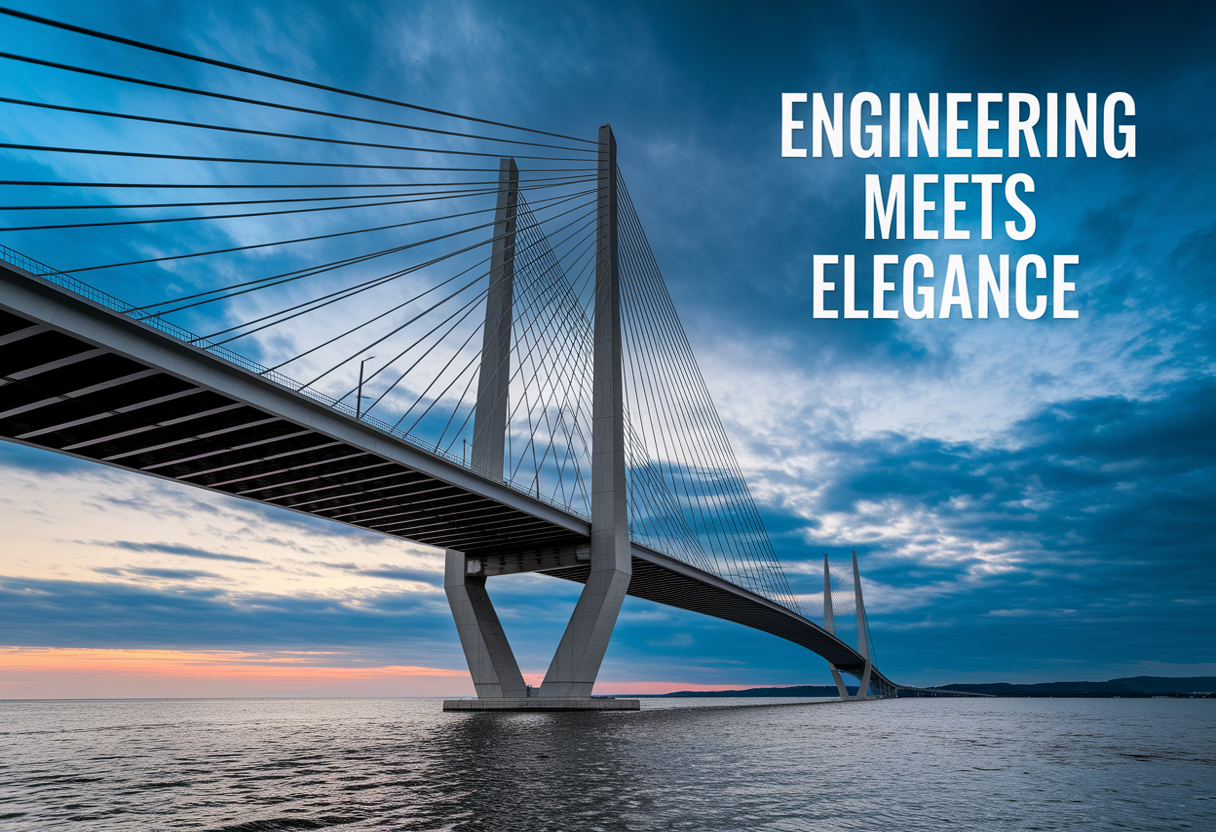
Share your work: @pixazo #PixazoPostcard
Postcard Applications: Where They Fit
Facebook Event and Page Covers
Design postcards for Facebook page covers, event banners, and group headers. Platform-compliant dimensions with strong visual presence.
YouTube Thumbnails and Channel Art
Design postcards for video thumbnails and channel banners. Bold, legible designs that stand out in recommendation feeds.
LinkedIn Professional Banners
Generate postcards for LinkedIn profile headers and company page banners. Professional designs that reinforce personal or corporate branding.
Email Newsletter Headers
Design postcards for email campaign headers and hero images. Lightweight files that render reliably across email clients.
Instagram Feed and Story Content
Create postcards optimized for Instagram's feed (1080x1080) and story (1080x1920) formats. Designs that stop the scroll and drive engagement.
Postcard Style Options: Aesthetic Choices
Geometric Postcard
Structured postcard composition using grid systems and angular forms. Order and precision define the visual approach.
Atmospheric Postcard
Postcard design where mood takes priority. Color and composition work together to create a specific feeling.
High-Contrast Postcard
Bold postcard visual treatment with strong tonal contrast. Elements read clearly at any viewing distance.
Textured Postcard
Postcard design with added surface depth. Background treatments add visual interest without disrupting legibility.
Editorial Postcard
Text-dominant postcard layout inspired by print publication design. Typographic variety creates visual rhythm.
The Postcard Platform: By the Numbers
Pro Tips for Postcard Design: Expert-Level Advice
Start with a Clear Brief
Before generating any postcard, write down the core message, target audience, and intended use. A focused brief produces better results than iterating from a vague idea.
Use High Contrast for Readability
Whether your postcard is displayed on screen or in print, strong contrast between text and background ensures the message gets through at any size.
Match Tone to Audience
A postcard for a corporate event needs a different visual tone than one for a music festival. Let the audience guide your style choices.
Iterate with Variations
Generate 3-5 versions of your postcard before committing. Comparing variations side by side often reveals the strongest direction.
Leave White Space
Resist the urge to fill every area of your postcard. Breathing room around key elements makes the overall design more effective.
Tested Postcard Prompt Formulas
Copy any prompt below and paste it into Pixazo to generate your design instantly.
Portrait-orientation postcard, vertical composition, headline at natural reading entry point, supporting information flows downward logicallyTextured postcard, surface treatment adds depth without obscuring legibility, texture consistent with postcard aestheticTwo-color postcard design, high contrast between primary and secondary color, clean separation between graphic and text zonesClean postcard design, geometric structure, disciplined typography, color accent used selectively for emphasis, printer-optimized resolutionPostcard aesthetic postcard, palette drawn from postcard design tradition, layout proportions consistent with postcard conventions, purposeful use of each elementLarge-format postcard design, elements sized for visibility at print scale, no fine detail that would be lost in productionYour Postcard Questions: What You Should Know
Specify the dimensions in your prompt. Common formats like A3, 18x24 inches, or 1080x1920 pixels for social media stories all work. The AI generates a postcard composition appropriate for the specified aspect ratio and use case.
Include your specific colors in the prompt, either by hex code or descriptive terms. 'Navy and copper with white text' or '#1a1a2e and #c9a84c palette' both work. The AI builds a postcard-appropriate palette around your specified colors.
Pixazo generates original designs rather than copying existing work. The AI creates postcards from learned design principles, not by stitching together fragments of existing designs. Generated output does not reproduce copyrighted material or identifiable artistic styles of living creators.
Generated designs that miss the mark usually need more specific prompts. Add details about the visual hierarchy you want, the feeling the postcard should create, or specific elements to include or avoid. More context in the prompt produces more targeted output.
Pixazo generates high-resolution files suitable for both print and digital use. Specify your intended output format in your prompt. Print postcards benefit from high-DPI settings, while web and social media use works well with standard resolution output.
Postcard Constraints: Current Boundaries
Known limitations and trade-offs of AI-generated postcard design. Being specific about what AI postcard generation can and cannot do helps you plan your workflow and set accurate expectations.
Start Creating Your Postcard Today
Create your first postcard with a single prompt. Professional results, zero production time.
Generate My DesignPart of AI Image Generator

